
Contacts Exporter for WhatsApp Web
Chrome extension
Export your WhatsApp contacts in one click.
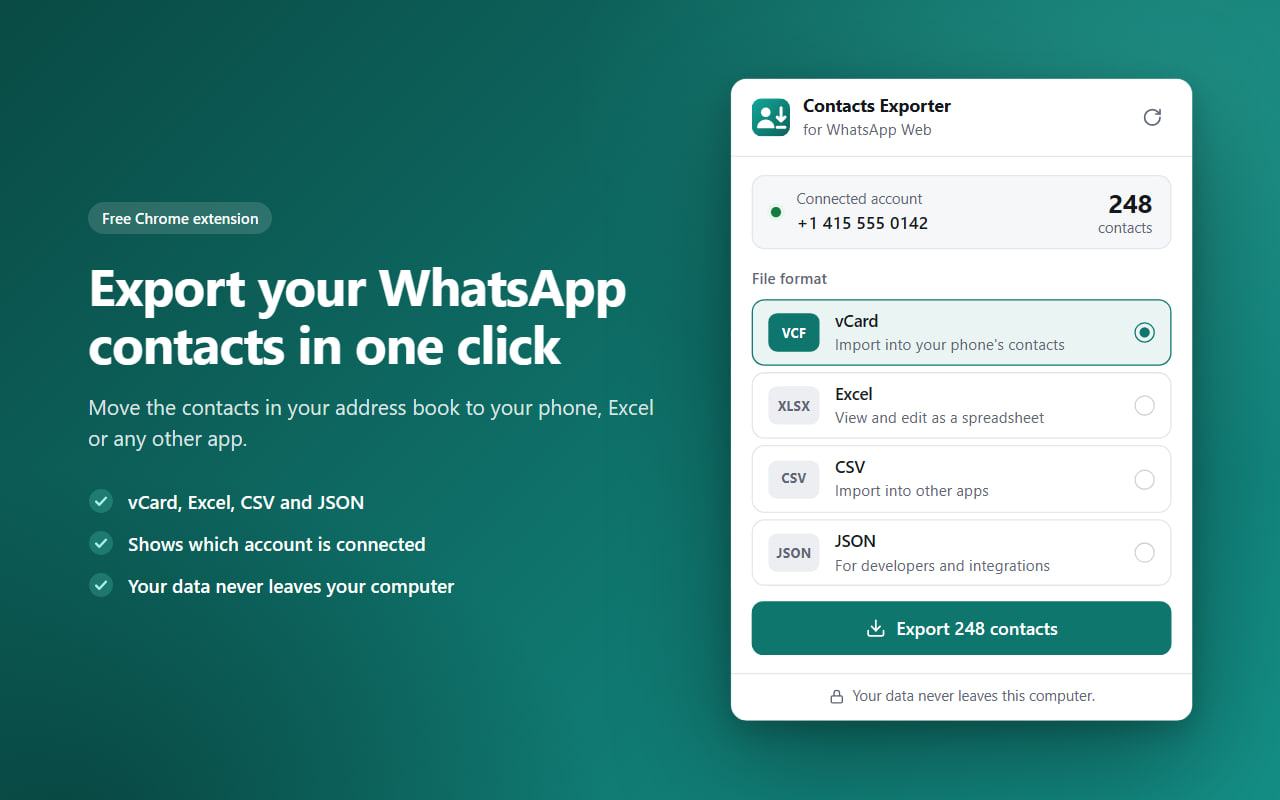
Contacts Exporter reads the saved contacts from the WhatsApp Web tab open in your browser and creates a file in the format you choose. Move your contacts to your phone, to Excel or to other apps with ease.
- Platforms
- Google Chrome (desktop)
- Languages
- English, Turkish
- Developer
- FCS Apps
Screenshots
How to use
Up and running in a few clicks.
Open WhatsApp Web
Go to web.whatsapp.com and sign in by scanning the QR code with your phone.
Open the extension
Click the Contacts Exporter icon in the toolbar and check the connected account and the number of contacts.
Pick a format and export
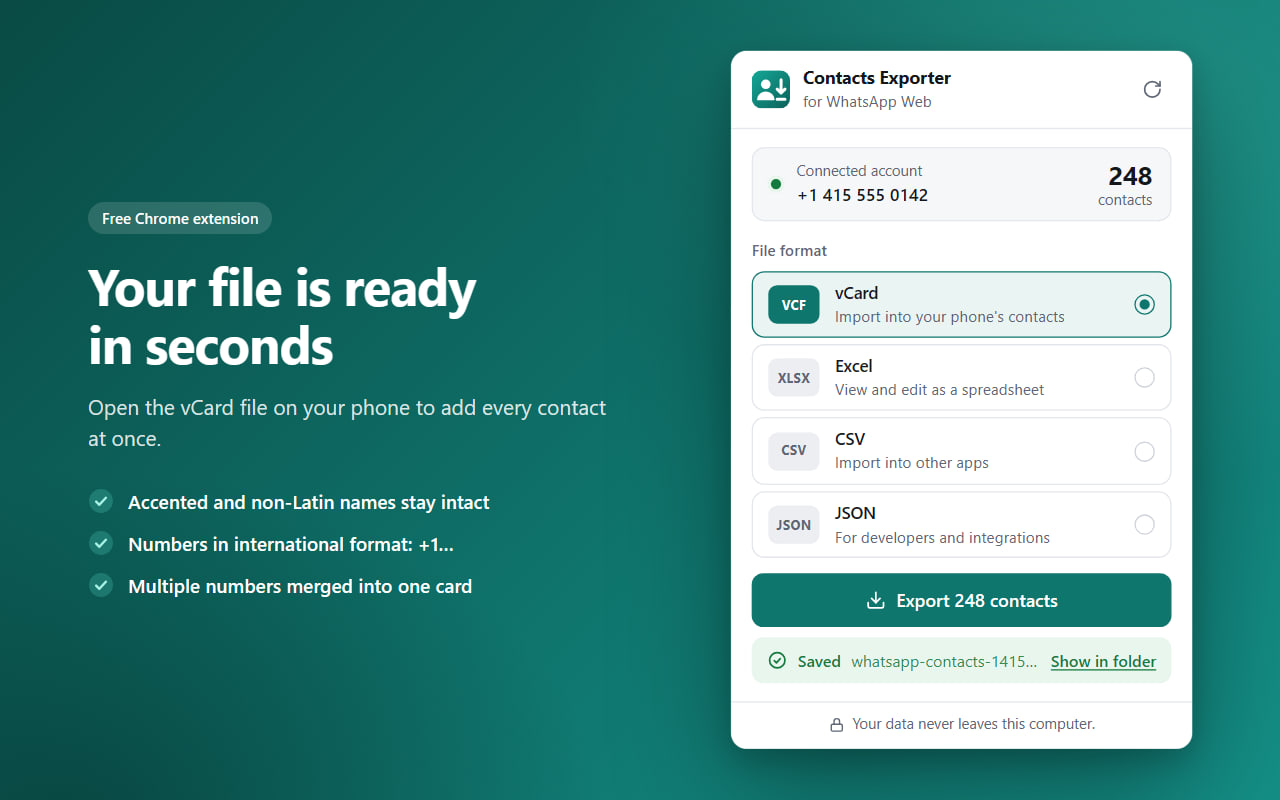
vCard, Excel, CSV or JSON. The file is saved to your computer in seconds.
Features
Everything you need, nothing you don't.
vCard for your phone
Import straight into your phone's contacts (Android and iPhone) or Google Contacts.
A tidy Excel sheet
A frozen header, filters and phone numbers kept as text. CSV and JSON are there too.
The right account
Shows which WhatsApp account is connected and how many contacts it found.
International numbers
Phone numbers are saved in international format, for example +1 415 555 0142.
One card per person
Contacts with several numbers are merged into a single vCard. Accented and non-Latin names are preserved.
Stays on your computer
No servers, analytics or ads. Your messages and chats are never read.